


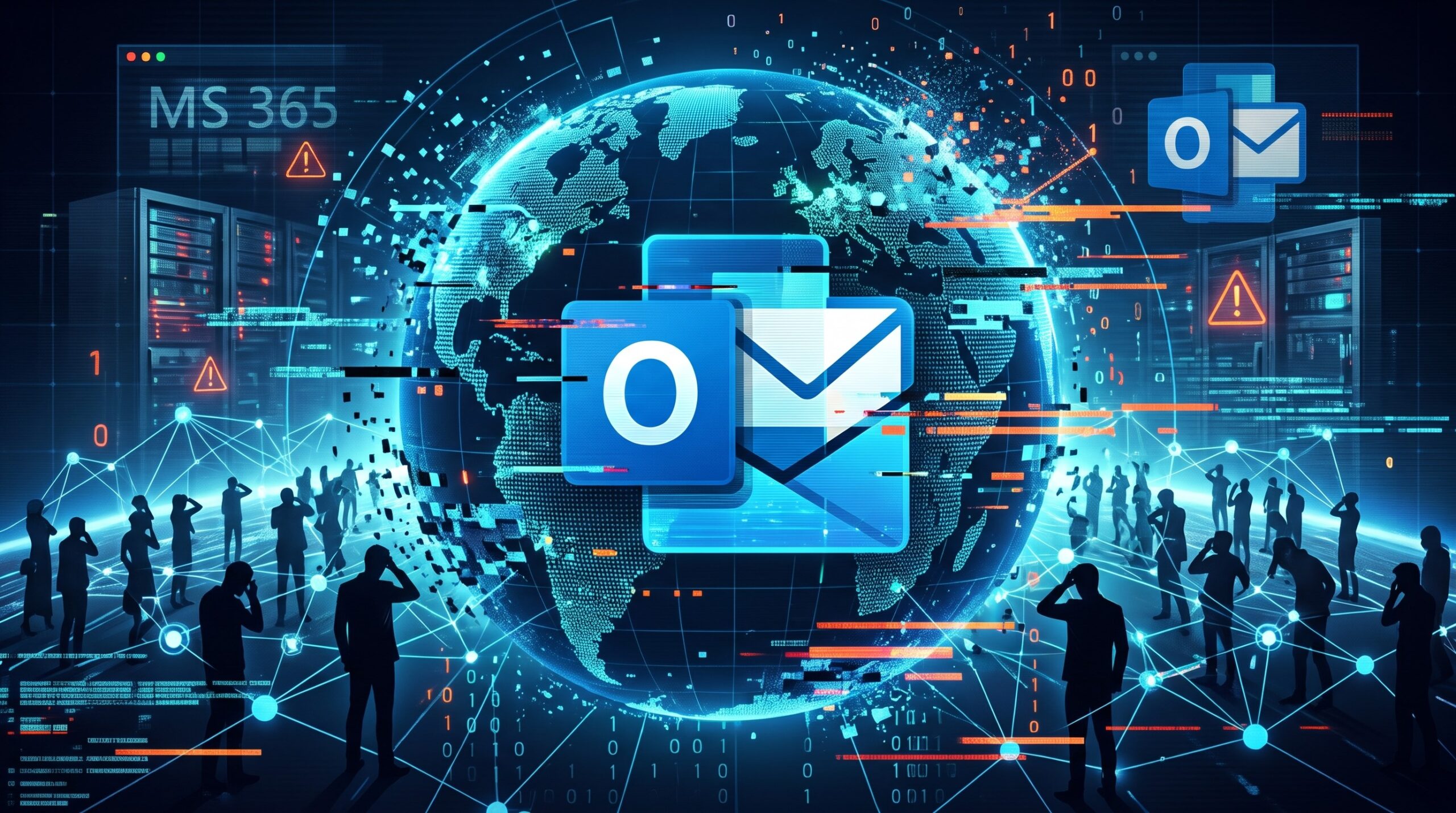
What Really Happened During the Great Microsoft Email Outage of 2026?
If your inbox went completely silent between November 12 and 14, 2026, you weren’t alone. What started as a sluggish afternoon rapidly snowballed into a global crisis that crippled Microsoft 365, Outlook, Teams, and Copilot across more than 70 countries. The disruption was so severe that it grounded operations across the tech ecosystem—breaking major AI integrations at OpenAI and Anthropic, and even halting prison releases in Colorado because the Arapahoe County Sheriff’s Office couldn’t process bond payments without their Outlook notifications.
The Rumours vs. The Reality
Naturally, the internet did what it does best during a blackout: panic and speculate. Within hours, social media platforms were flooded with theories that a massive, state-sponsored cyberattack was underway, with users expressing their “outrage” over the security of government and corporate cloud infrastructure.
However, Microsoft quickly stepped in to confirm that the outage was not caused by a cyberattack, a hack, or rogue AI. The truth was a textbook IT nightmare.
The Root Cause: A Cascading Failure
The entire blackout stemmed from a recent network configuration change and capacity upgrade. According to Microsoft, a core process responsible for establishing secure connections became overwhelmed, causing several servers to fail their automated health checks and drop offline.
When those initial servers went dark, their network traffic was instantly redistributed to the remaining, healthy infrastructure. Those servers were suddenly crushed by the elevated system load, causing them to become unresponsive as well. It was a massive cascading failure that took down the underlying engine of Exchange Online.
The Recovery
Restoring the system wasn’t as simple as flipping a switch or restarting a server. Because of the sheer scale of the global demand, Microsoft had to pause deployments and gradually bring servers back online, validating network stability at each stage to ensure the servers wouldn’t immediately crash again under the massive backlog of delayed emails.
By the morning of November 14, email queues had finally stabilised, and services were fully restored to operational status. While some users joked about enjoying the forced “coffee break” of an empty inbox, the 2026 outage served as a stark reminder of how fragile global productivity becomes when a single configuration tweak goes wrong.
The Solution
When a primary cloud provider experiences a catastrophic failure, businesses without a contingency plan are essentially paralysed. To mitigate the impact of major cloud service outages and ensure operational resilience, organisations must adopt a multi-layered approach to business continuity.
Implement Email Continuity and Spooling Services
Relying solely on a single provider’s native infrastructure leaves your communication vulnerable to their internal routing or server failures.
-
Third-Party Gateways: Deploy cloud security and continuity platforms (like Mimecast or Proofpoint) that sit in front of your primary email server.
-
Emergency Webmail: If Microsoft 365 or Google Workspace goes down, these third-party services automatically spool incoming mail and provide users with a secure emergency web portal to continue reading and sending emails.
-
Fallback MX Routing: Configure backup Mail Exchanger (MX) records to route traffic to a secondary server if the primary connection times out, preventing inbound emails from bouncing back to the sender.
Establish Out-of-Band Communication Channels
Internal communication must survive even if the primary directory and messaging environment (like Microsoft Teams or Outlook) goes completely dark.
-
Secondary Chat Platforms: Maintain a secondary, lightweight communication tool hosted on an entirely different cloud infrastructure (e.g., using Slack or Signal if your primary is Teams on Azure).
-
Emergency Broadcast Systems: Implement SMS-based mass notification systems to push critical updates to employees’ mobile devices. This bypasses corporate networks entirely and ensures staff know exactly what is happening and which fallback systems to use.
-
Hardcoded Contact Lists: Ensure department heads possess offline, encrypted copies of employee and critical vendor contact information.
Adopt a Multi-Cloud and Hybrid Data Strategy
Putting all your digital assets into a single cloud ecosystem creates a single point of failure.
-
Cloud Diversification: Avoid hosting critical infrastructure, identity management (IAM), and backups on the same platform. If your primary operations are on Microsoft Azure, host your backup servers and emergency communication instances on AWS or Google Cloud.
-
Immutable Backups: Maintain regular, isolated backups of critical company data and emails. Using a third-party backup solution ensures that if the primary cloud environment is locked up or compromised, your data remains accessible.
-
Local Caching: Configure critical desktop applications to cache recent files locally, allowing employees to continue working offline or on local networks until cloud synchronisation is restored.
Develop and Drill the Incident Response Plan (IRP)
The middle of a global blackout is the wrong time to figure out how to communicate.
-
Pre-Defined Playbooks: Draft specific protocols for cloud outages, detailing exactly who holds decision-making authority, how to contact them, and when to declare an official continuity event.
-
Simulated Outages: Conduct regular tabletop exercises where IT cuts access to primary communication tools, forcing staff to navigate the out-of-band channels and access emergency webmail.
An outage of a major cloud provider is inevitable, but a complete halt to your business operations is not. By investing in continuity gateways and separating critical backups from your primary cloud host, you can maintain seamless communication and client trust while your competitors are left waiting for the servers to reboot.